DISCOVERY
Survey
The Research Technology team kicked off the year by issuing a survey to all sell-side analysts within the investment bank. We were most interested in what personal mobile devices analysts used as well as the biggest pain points they felt while trying to work on the road.
From the survey, the team found that:
91% of analysts used iOS devices (both for mobile phones and tablets)
Analysts felt that retrieving client data and logging client activities was the second biggest pain while on the road (after authoring research documents)
Exploratory Interviews
We then conducted analyst interviews to understand their current method of retrieving client information and logging activities while on the road. The most common ways that analysts procured client contact information were:
Printing excel documents of client contact information before a trip
Searching through email signatures on their phone
Calling associates for specific client contact data
When it came to logging activities, analysts rarely every logged them while still on a trip, as signing into the company's propriety platform was too cumbersome of a process.
ANALYSIS
BUILDING use cases
We found from reviewing the interview notes that there were two pain points that kept cropping up.
Analysts had down time while on the road to call clients but didn't have access to client data. This meant that they weren't able to fully utilize their time while traveling for work.
When analysts went on marketing trips, they often stockpiled activity notes but then didn't actually log the activity until much later. When they did log activities, they relied on their scribbled notes or looking at calendar events and guesstimating the time spent with each client contact.
Both of these scenarios were dangerous to the business for different reasons. In the first scenario, analysts often resorted to printing client lists or emailing/calling their associates for information. This was obviously a problem because of the risk it brought to CID possibly getting into the hands of someone outside of the bank.
The latter scenario became an even bigger issue with new MIFID II regulations. With research unbundling on the horizon, the bank needed a way to accurately log all client activites now more than ever.
INFORMATION ARCHITECTURE
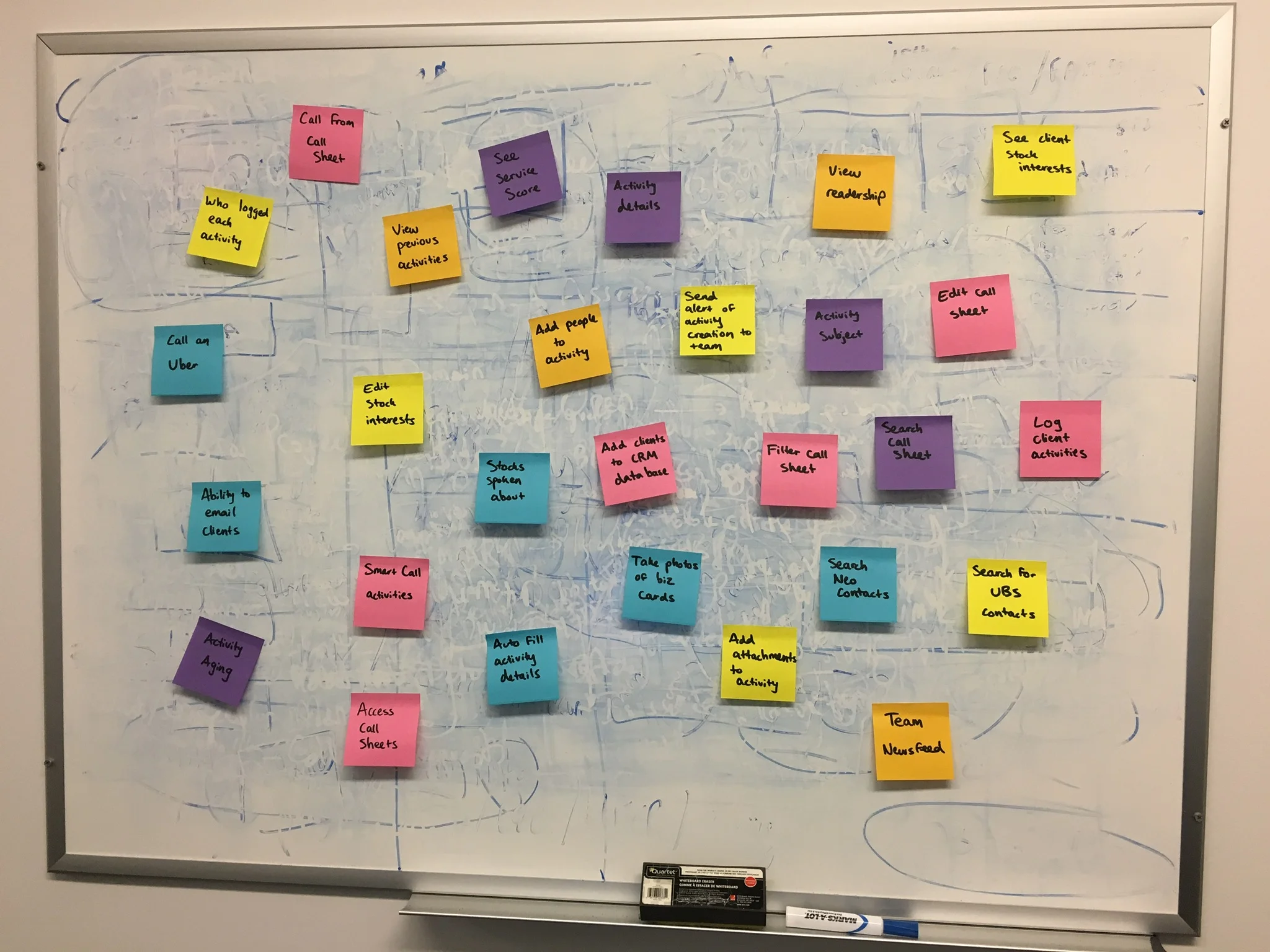
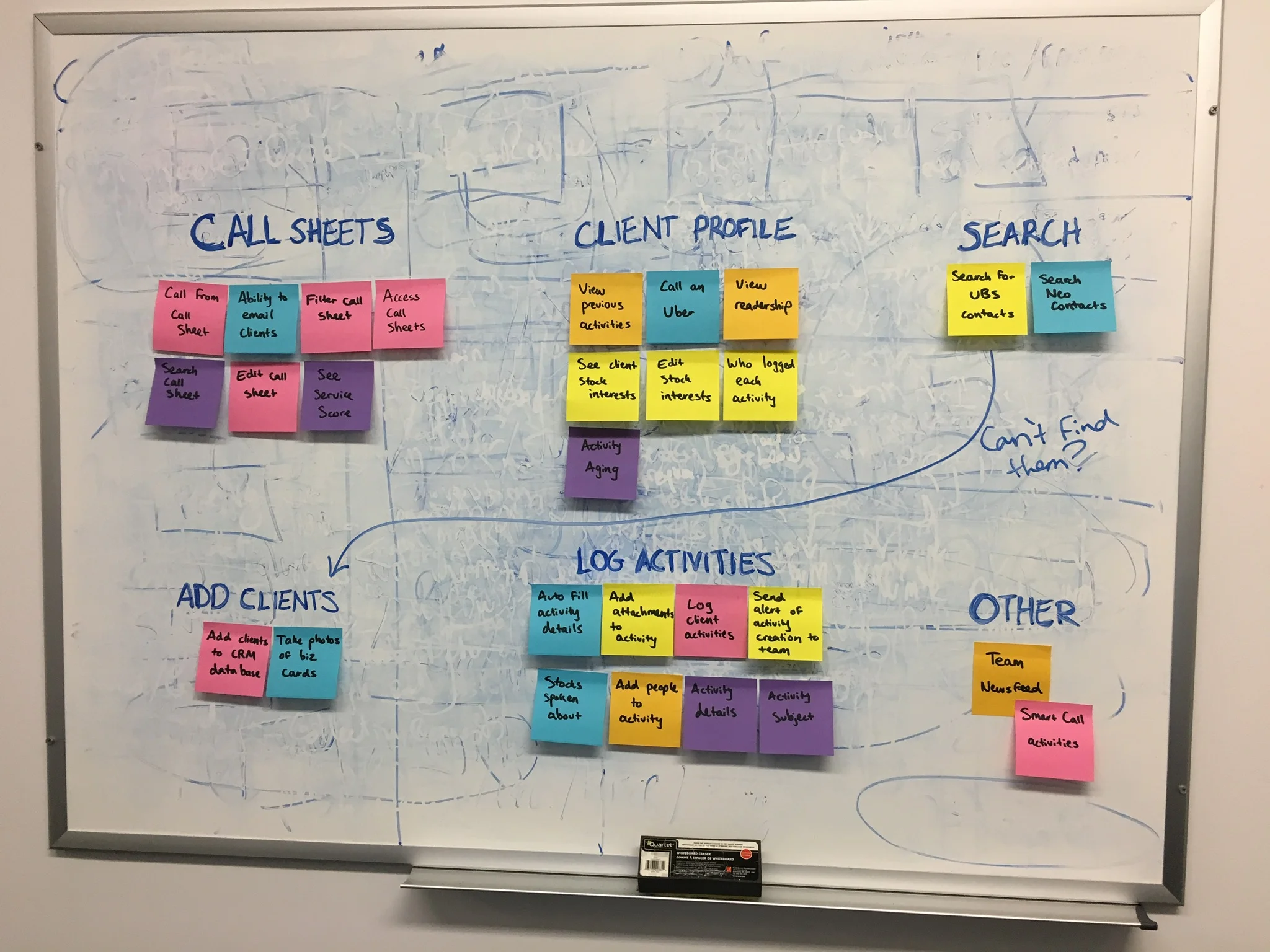
Once we fully understood the problems that analysts had while working on the road as well as how the problems were affecting the business, we knew where our app could begin to fill in the gaps. We began compiling a list of different actions analysts needed to take to find client information and better record activities. We then bucketed these actions and needs into logical groupings that became the basis for the app's architecture and feature list. At this point, we also marked features as "MVP" or "fast follower," as the timeline of the project was tight and we knew that not all features could make it into the first release of the app.
card sorting
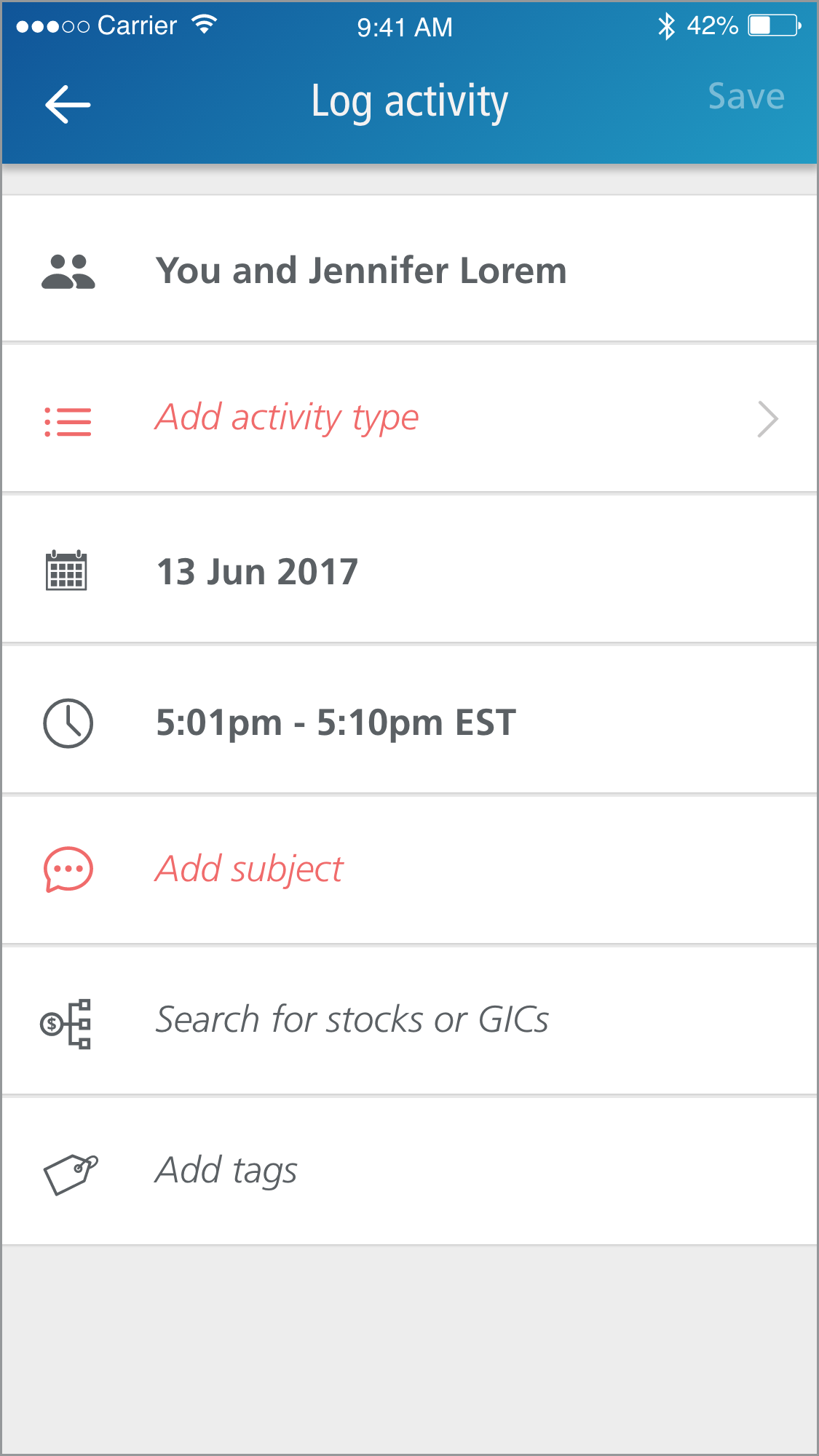
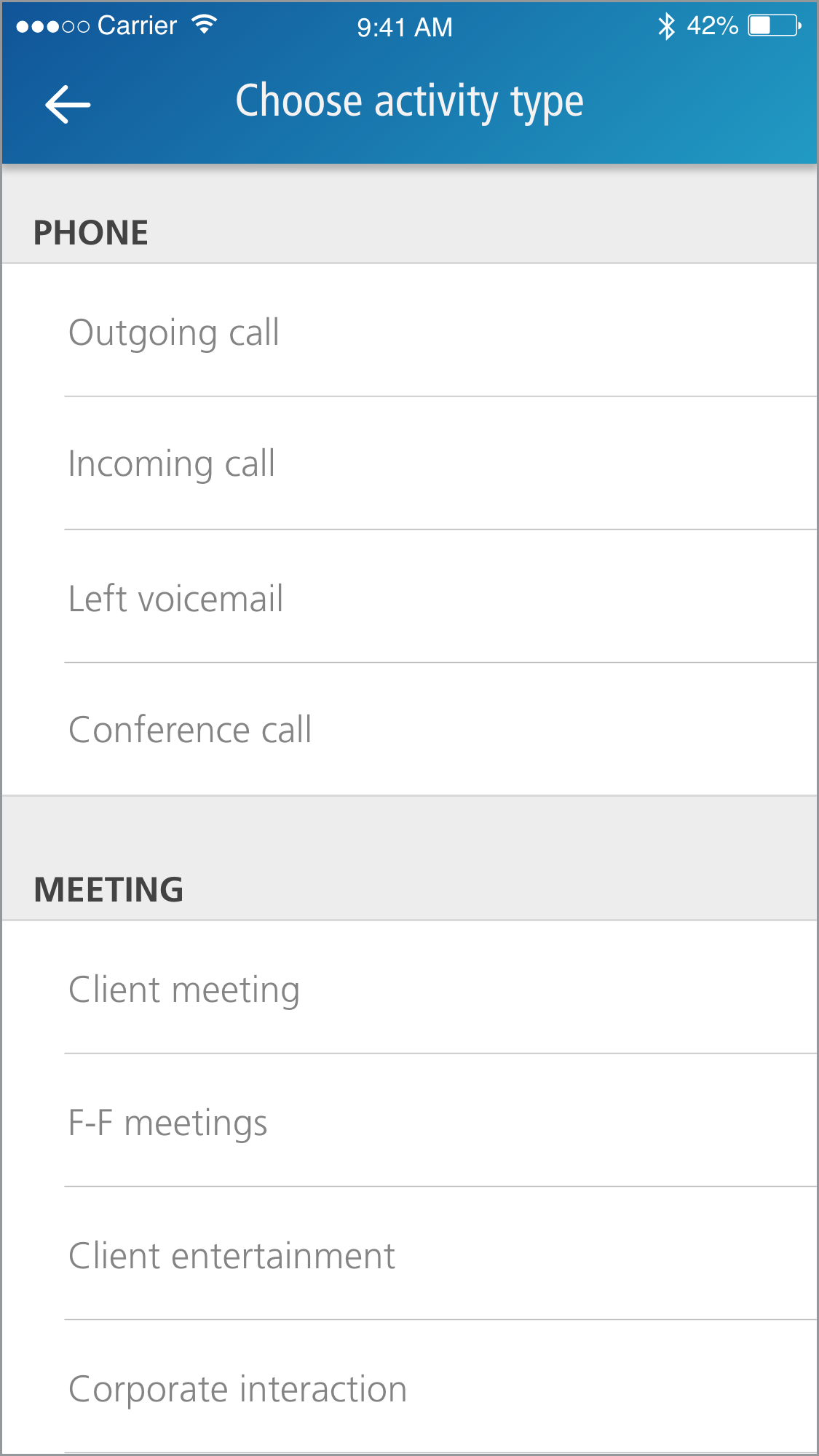
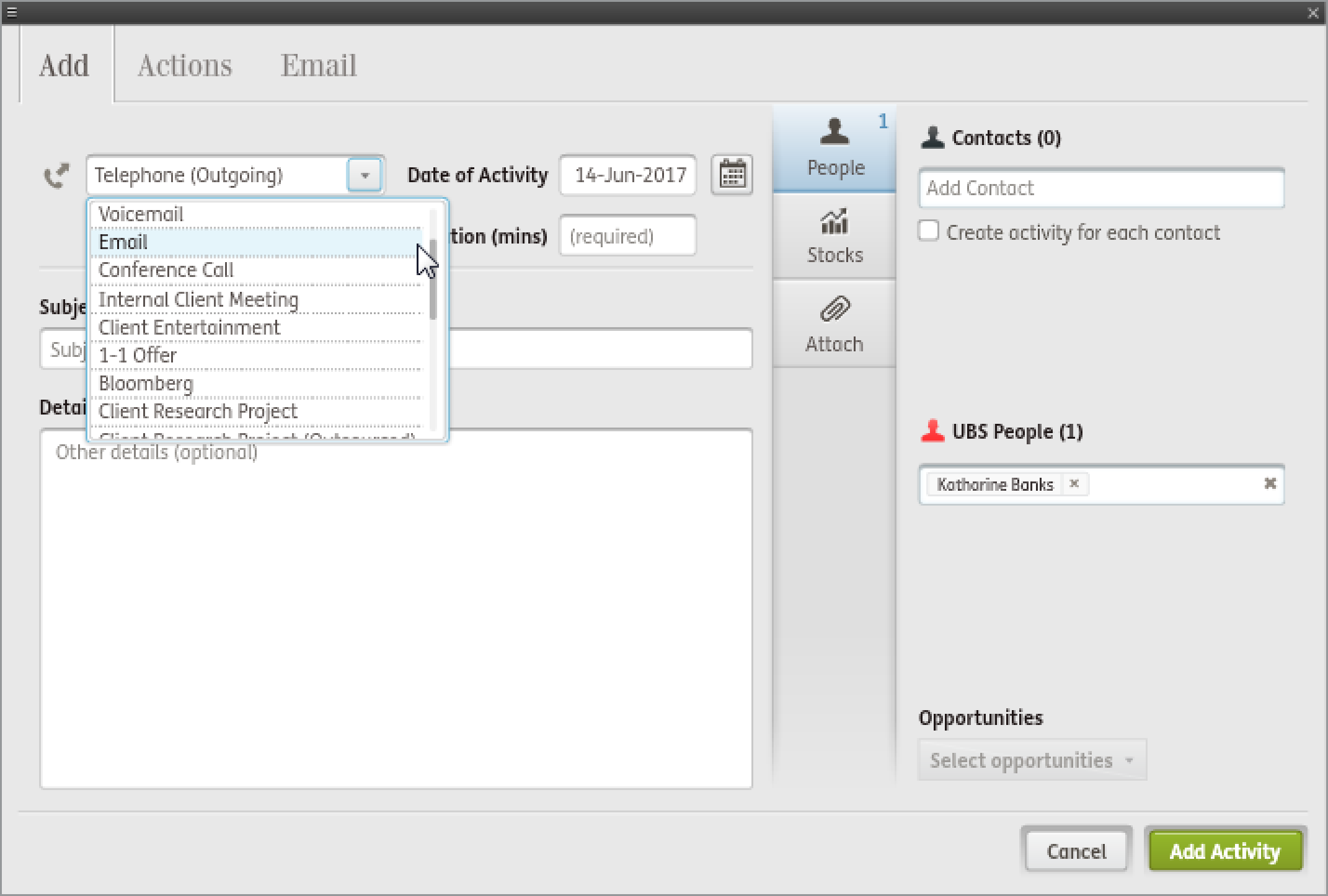
One of the mandatory fields for logging an activity is having a user select what type of activity took place. In the desktop portal's activity logging screen, activity types are put all together into one large dropdown menu.
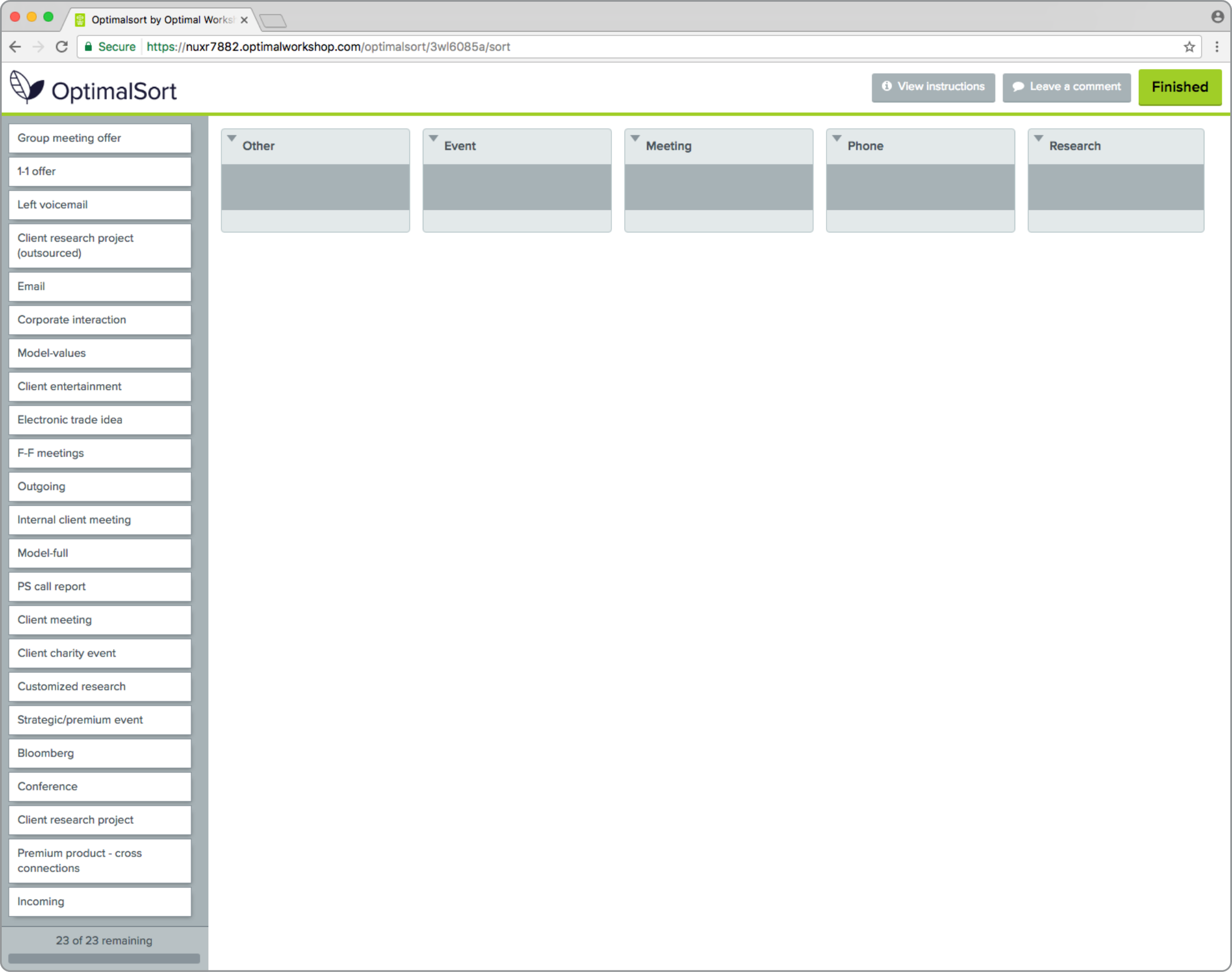
In order to make this process less intimidating as well as more usable for a small screen, I used OptimalSort to create a card sort. The objective was to see if there was a consensus amongst analysts on how the different activity types could be categorized.
I created a closed card sort with the categories of phone, meeting, other, research, and event and provided the 23 activity types for sorting.
In all, we had 42 analysts complete the card sort and only four activity types were not unanimously sorted into a category.
Injecting analytics
Once I knew how analysts categorized activity types, I used data to determine which activities were most commonly logged. I then used this information to order the activities from most to least commonly used within any given category.
App flow diagram
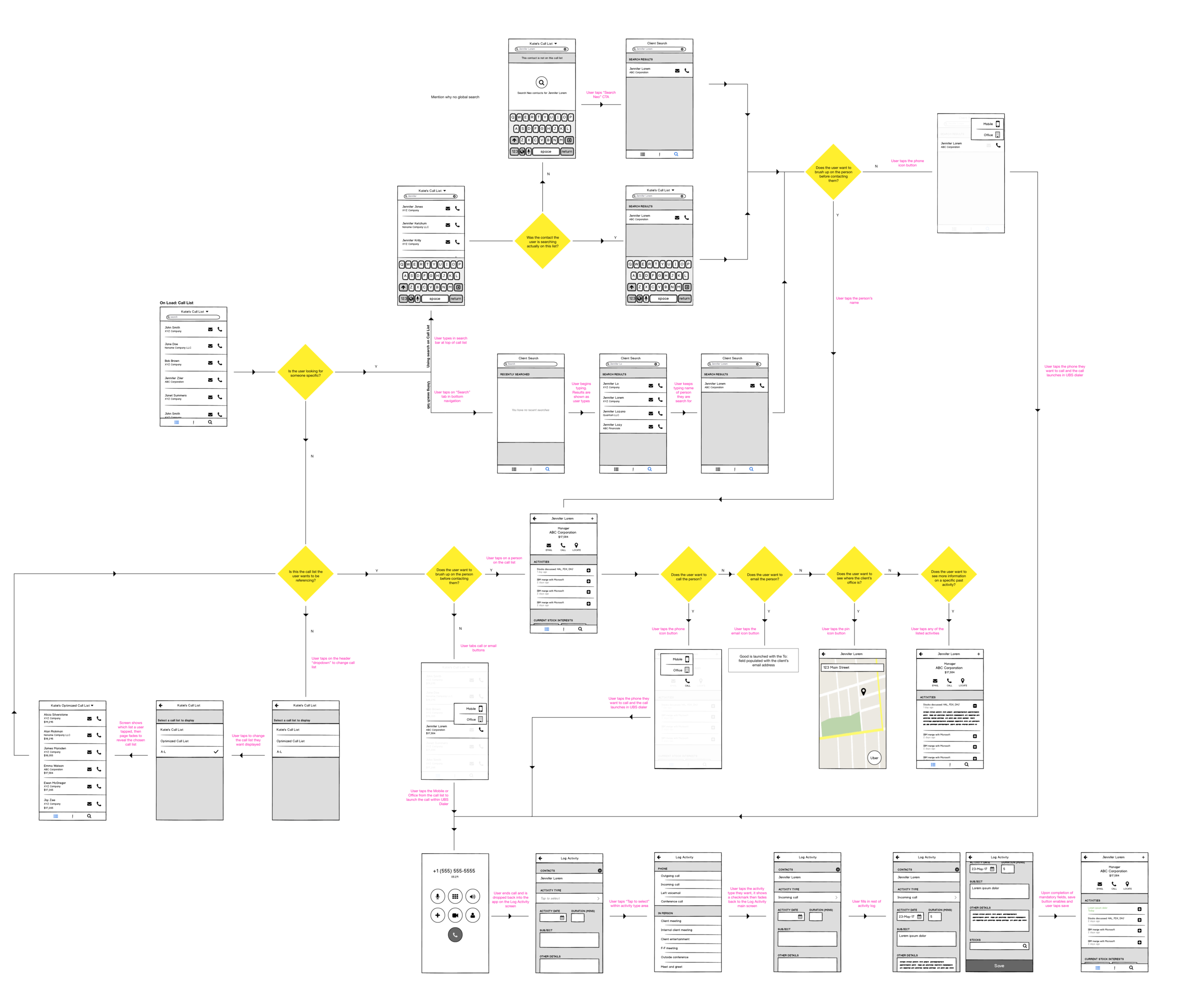
Business features
While the main design objective was to be user-focused, some functionality was put in that was purely for the business side.
The ability to take screenshots was disabled so that users could not have CID within their phone's photo album
No client contact phone numbers were shown within the app. Instead, numbers were labeled as mobile, office, or other and the user had to choose which they wanted to call
Calls were made through the company's Dialer app, which scrambled a contact's number as it routed the call through switchboards
TESTING
After presenting the app's proposed flow to all business stakeholders, I created mid-fidelity wireframes that I then sliced to create a testing prototype in Axure. The testing plan focused in three main areas: utilizing a call sheet, finding a client's contact information and contacting them, and then logging the activity. Within each of the areas, different feature sets were highlighted for testing in the order in which an analyst would use them while working within the app.
Usability testing was run on 18 senior level analysts. Nine analysts in the New York office, five in London, and four in Hong Kong. While I moderated the US testing sessions, I only provided the testing plan and prototype to associates in the other offices for testing. Following testing in the other regions, I met with test moderators to discuss results.
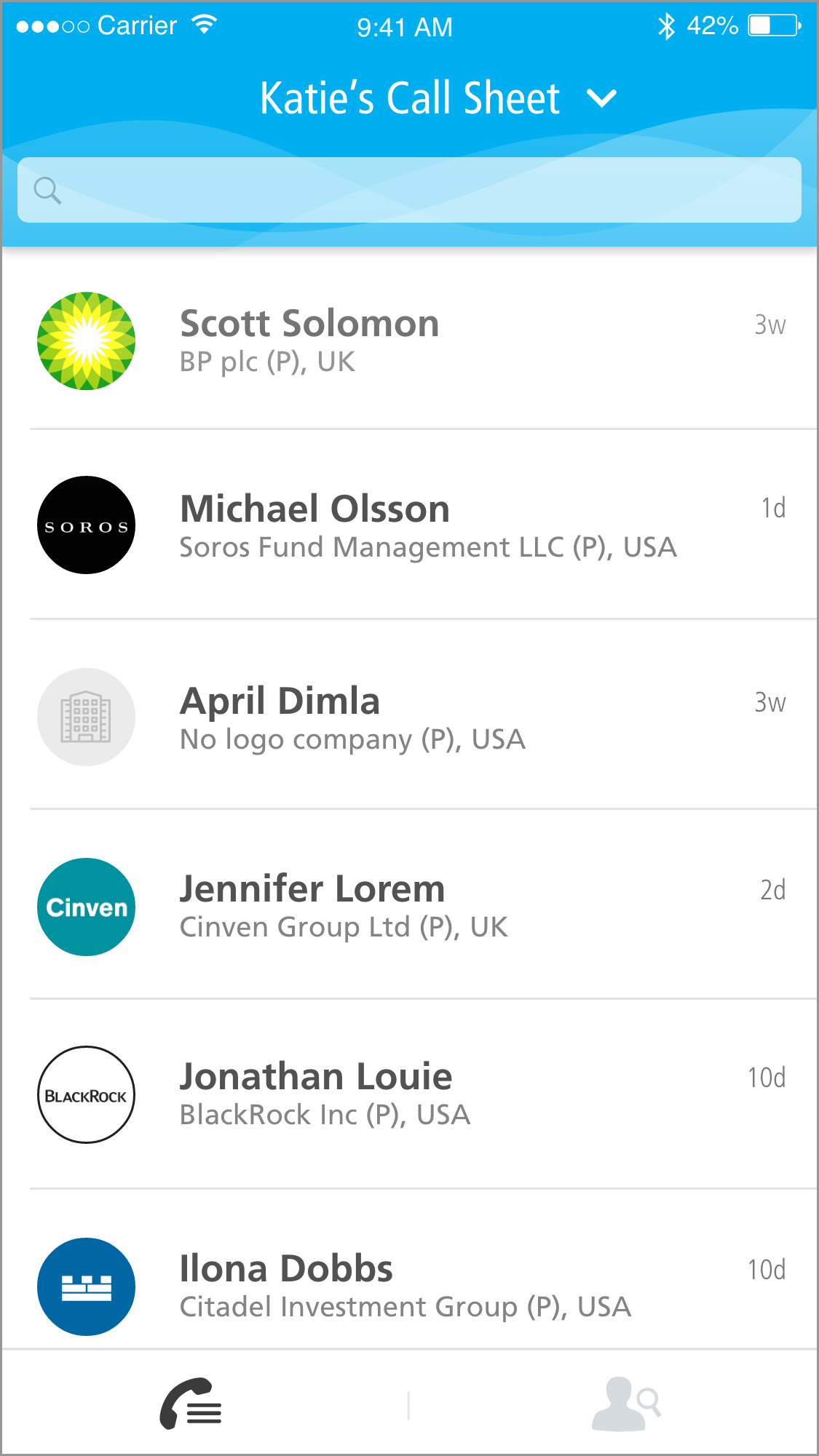
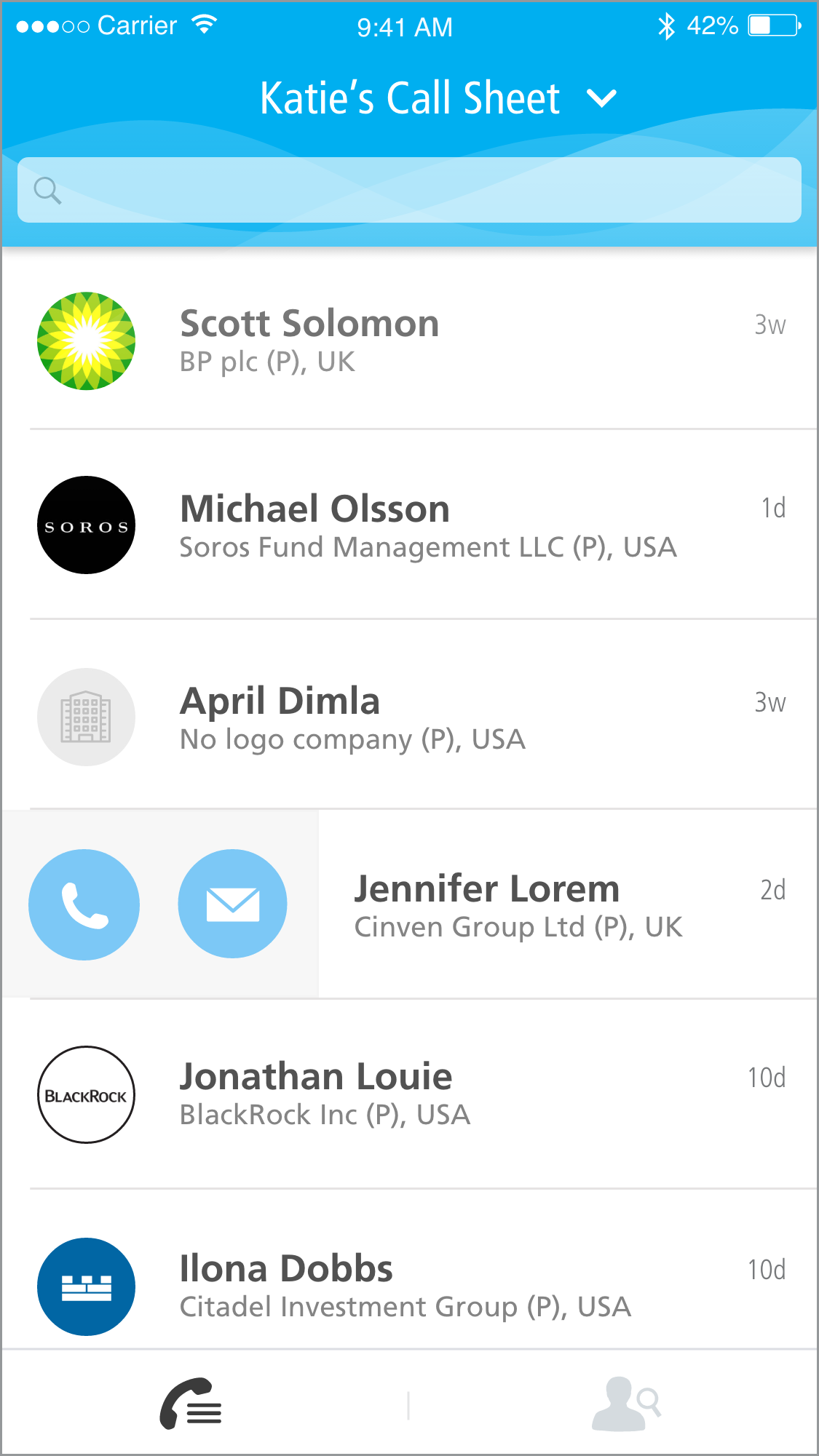
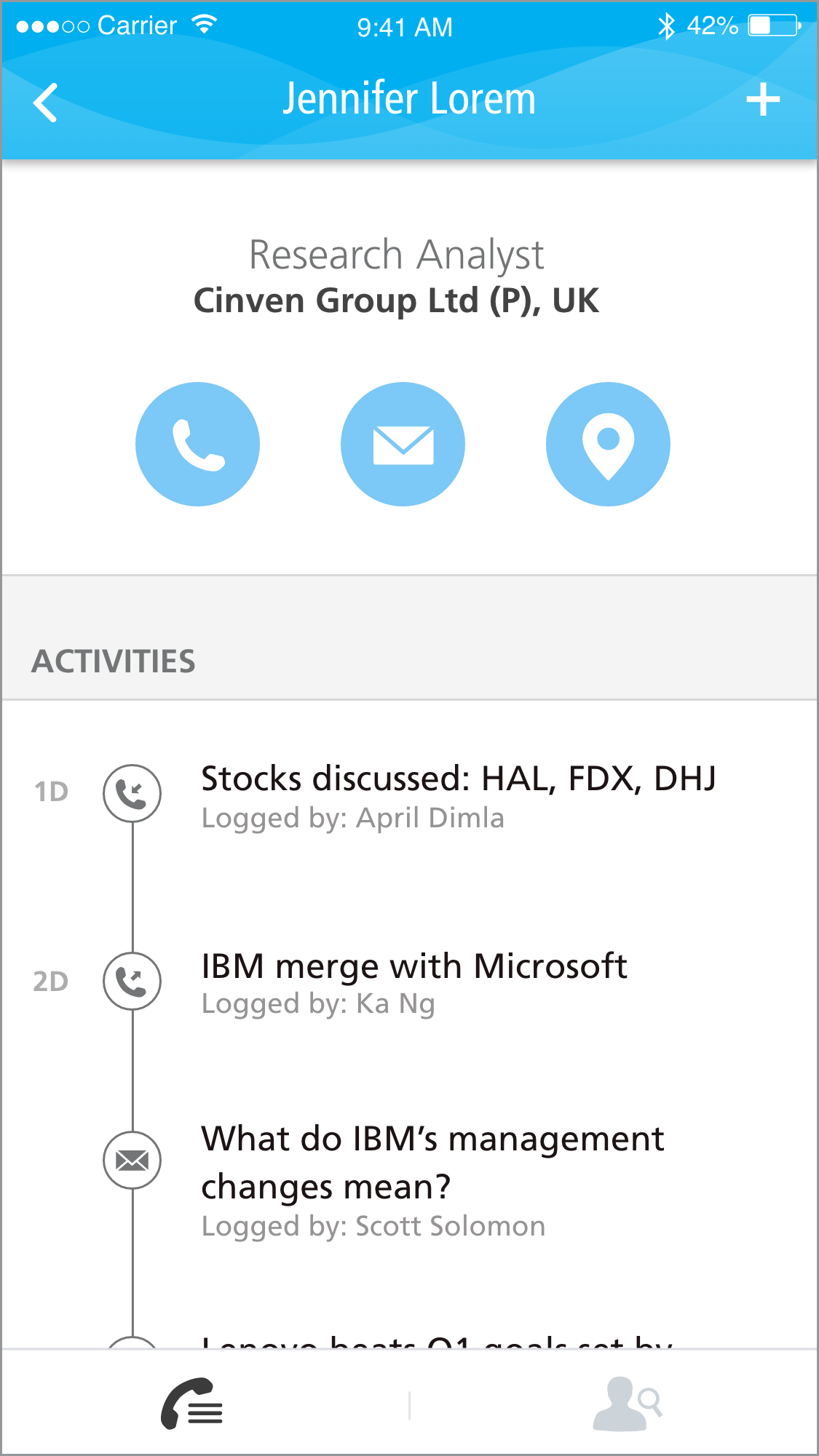
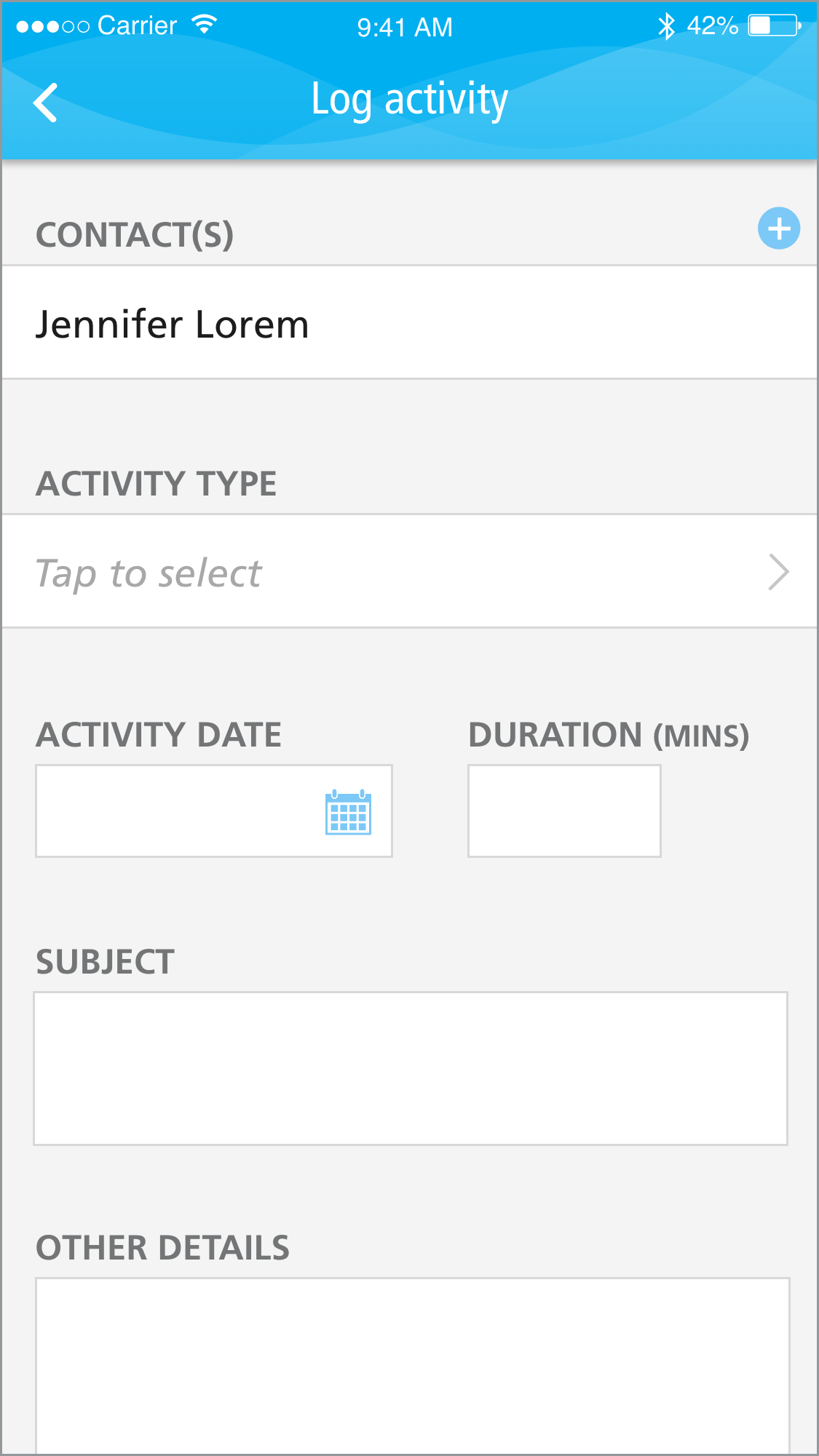
The mid-fidelity Axure testing prototype is available for download within the Axure Share iOS app upon request.
Findings
From the usability testing sessions, we learned that while there were no major usability issues (this was determined by task completion rates, recovery from error rates, and task completion times), there were requests for a few additional pieces of functionality.
APAC users frequently received many business cards while on work trips while the other regions did not. They felt that the ability to add contacts into the larger CRM database without having to use the proprietary portal would be extremely helpful to them. Note: this functionality is coming in v2 of the app as a camera-based solution.
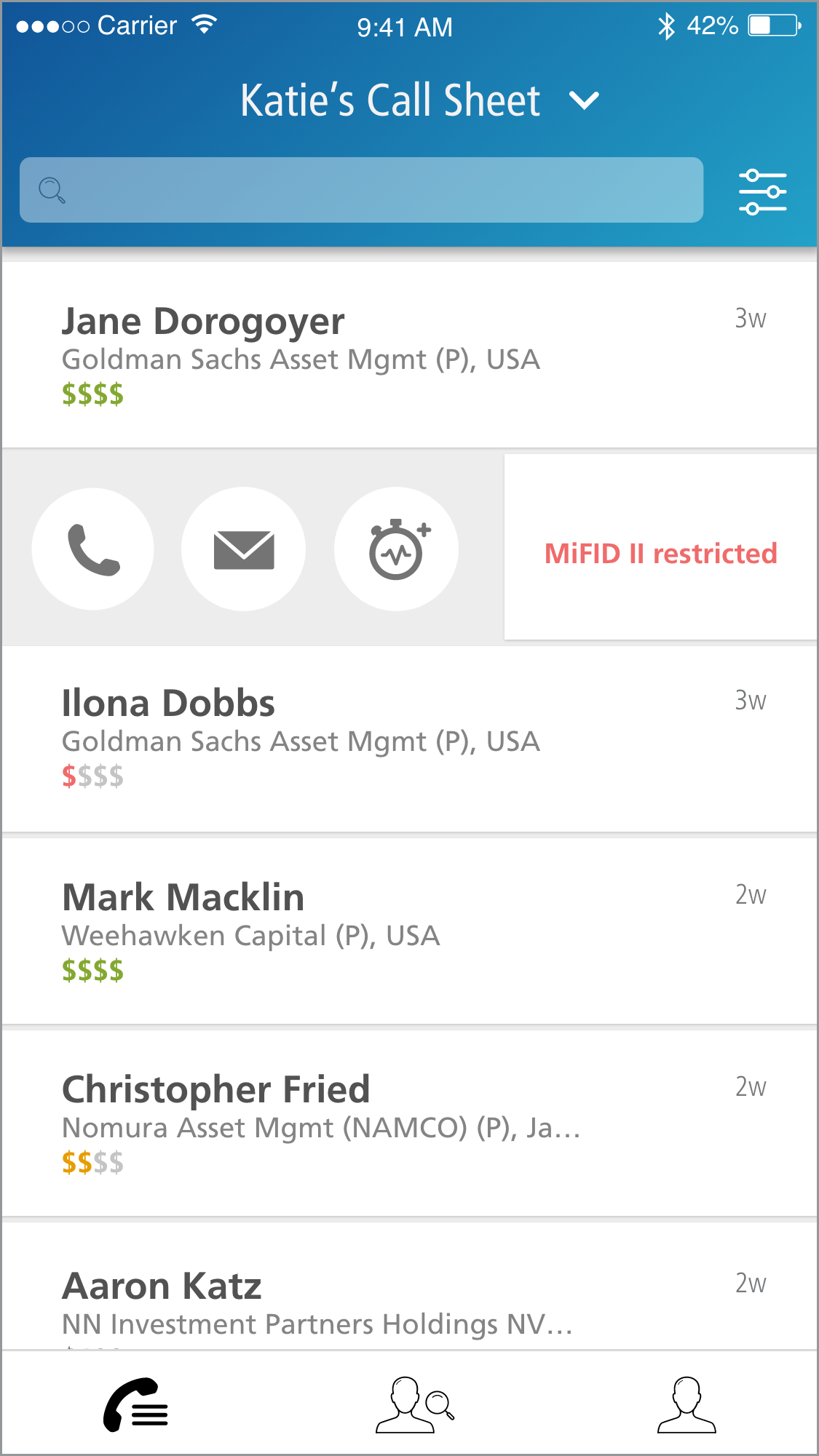
Users wanted the ability to quickly add an activity from the call sheet page within the "quick contact" swipeable area.
Users felt that a screen that gave them app details (versioning) as well as support contact information would be helpful.
We also found that:
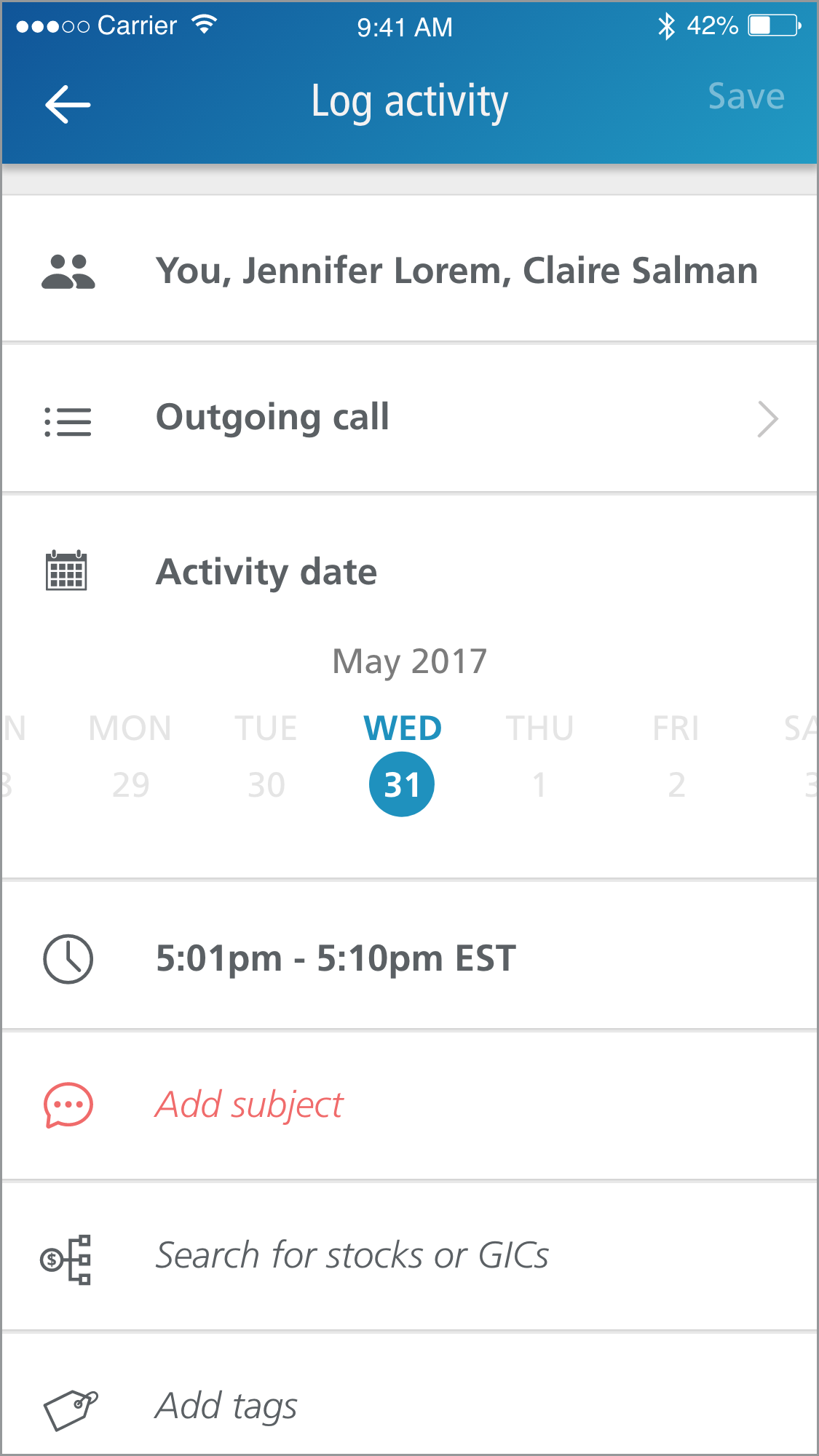
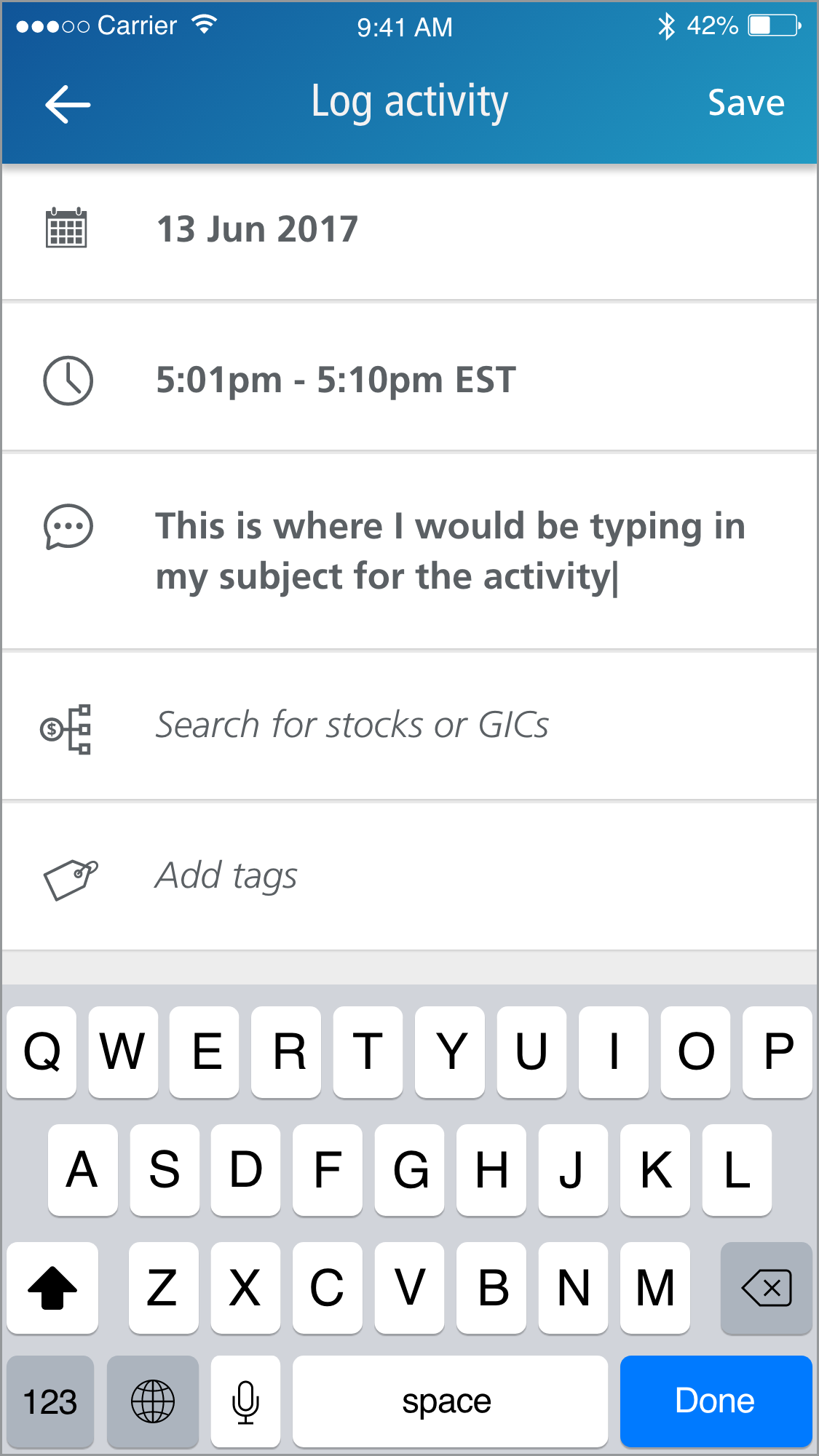
Users wanted as much activity information auto-populated within the logging screen as possible. They felt that having to make the additional tap to route calls through the Dialer app was fine, as the call history log within Dialer would then auto populate the date and duration of the activity within the CRM app. This was also preferential because this data could be gathered without the user having to grant access to their personal mobile device's call history database.
Users only wanted activities displayed on a client contact's page to be activities logged from their immediate team, rather than any salespeople or other analyst teams.
Users did not mind the masking of full telephone numbers behind buttons. They felt confident in the data they had supplied into the larger CRM database and did not believe there would be any misdialing.
HI-FI VISUALS
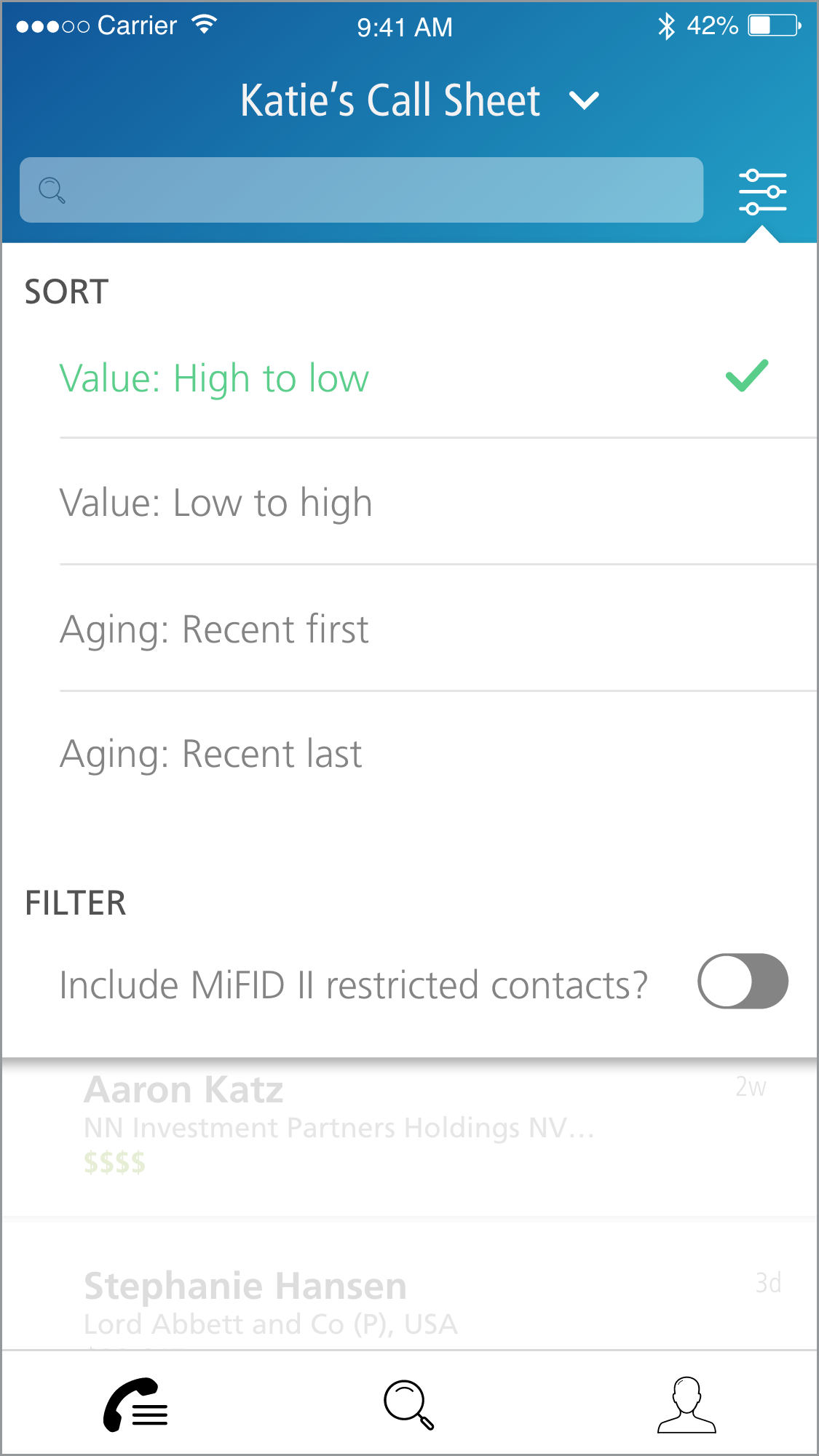
Following the usability testing sessions, new business requirements were handed down. During the previous design iterations and testing, the business had been deciding how to handle the new MiFID II regulations, and at this point the discussions were complete.
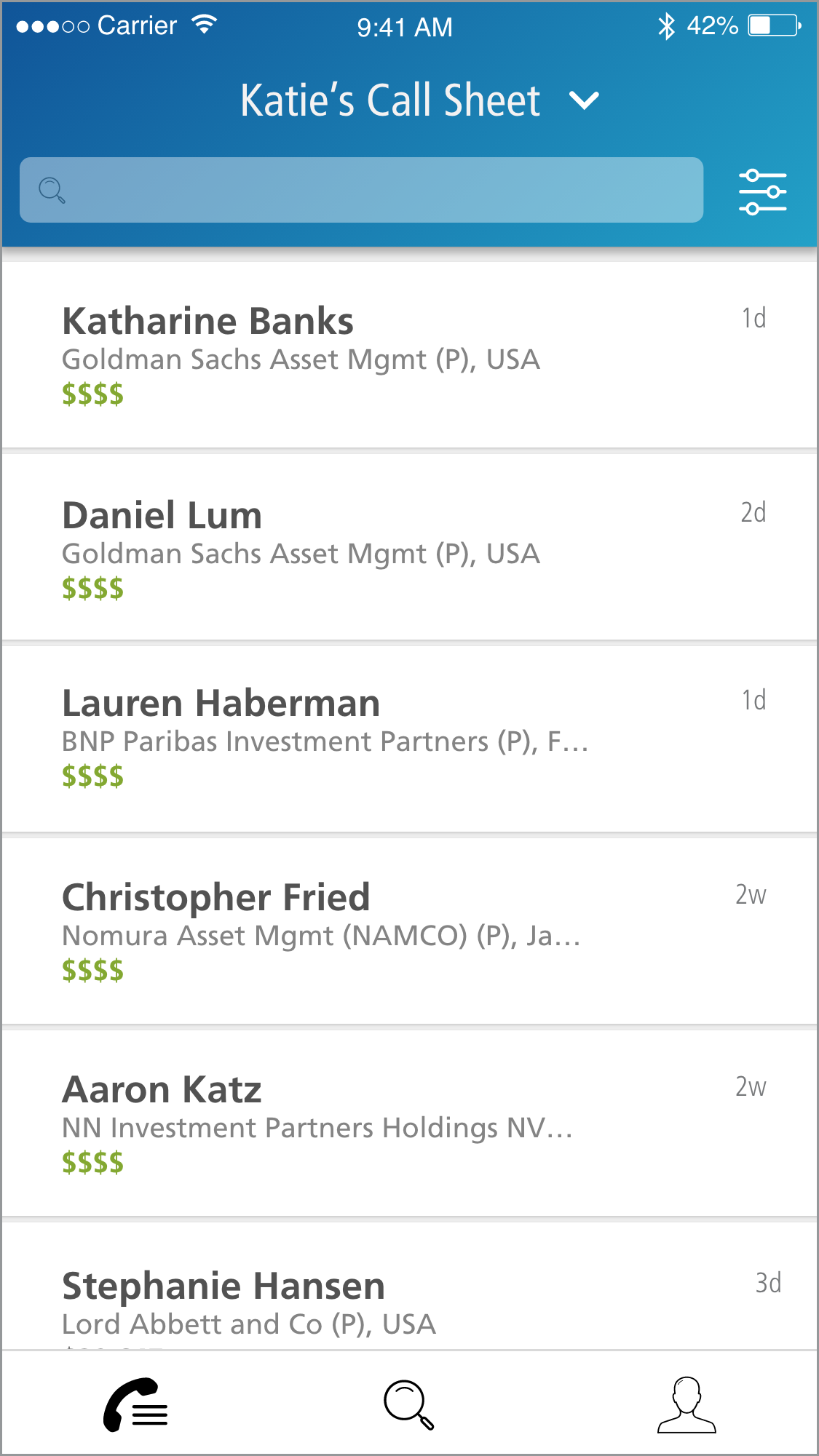
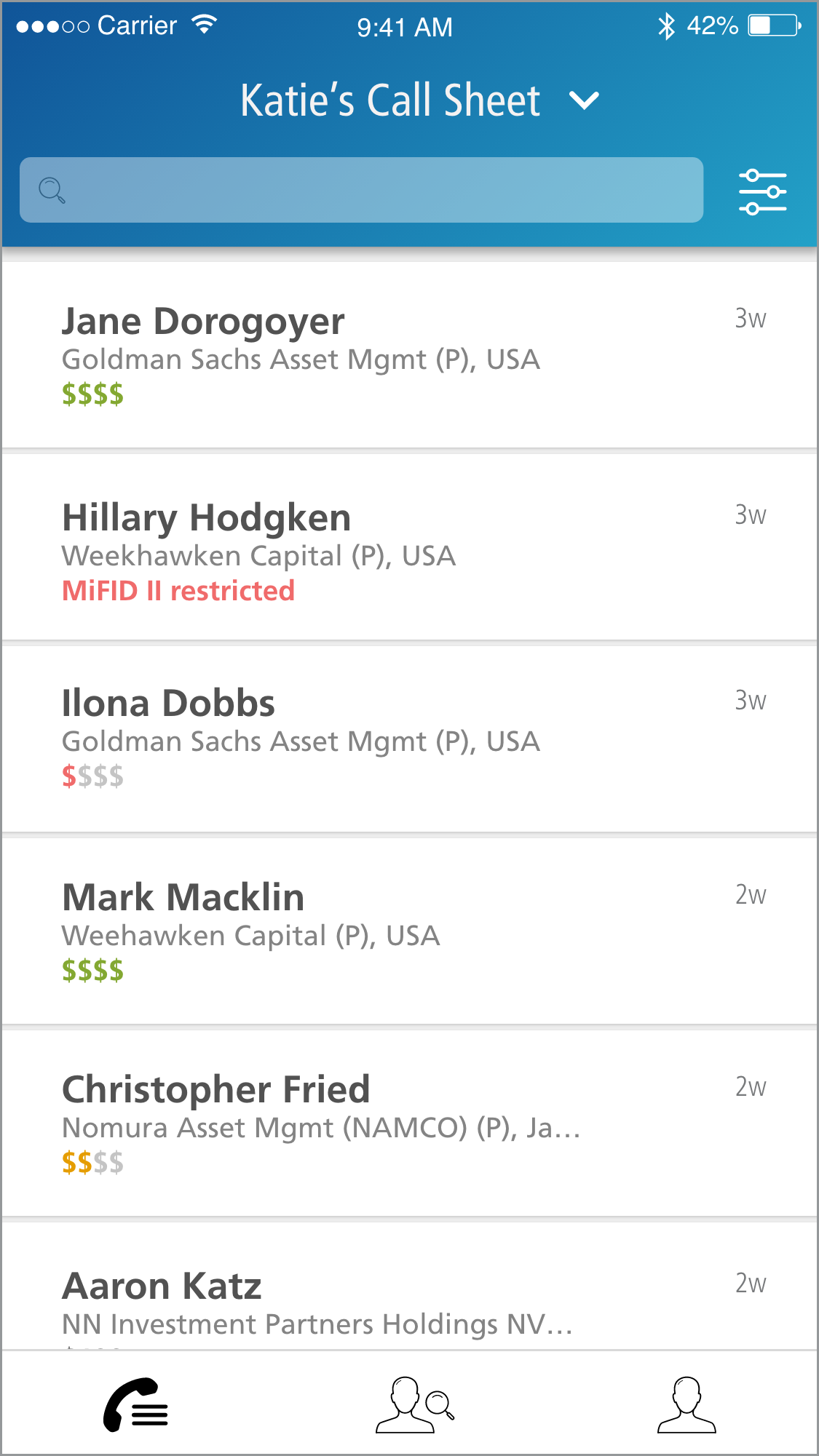
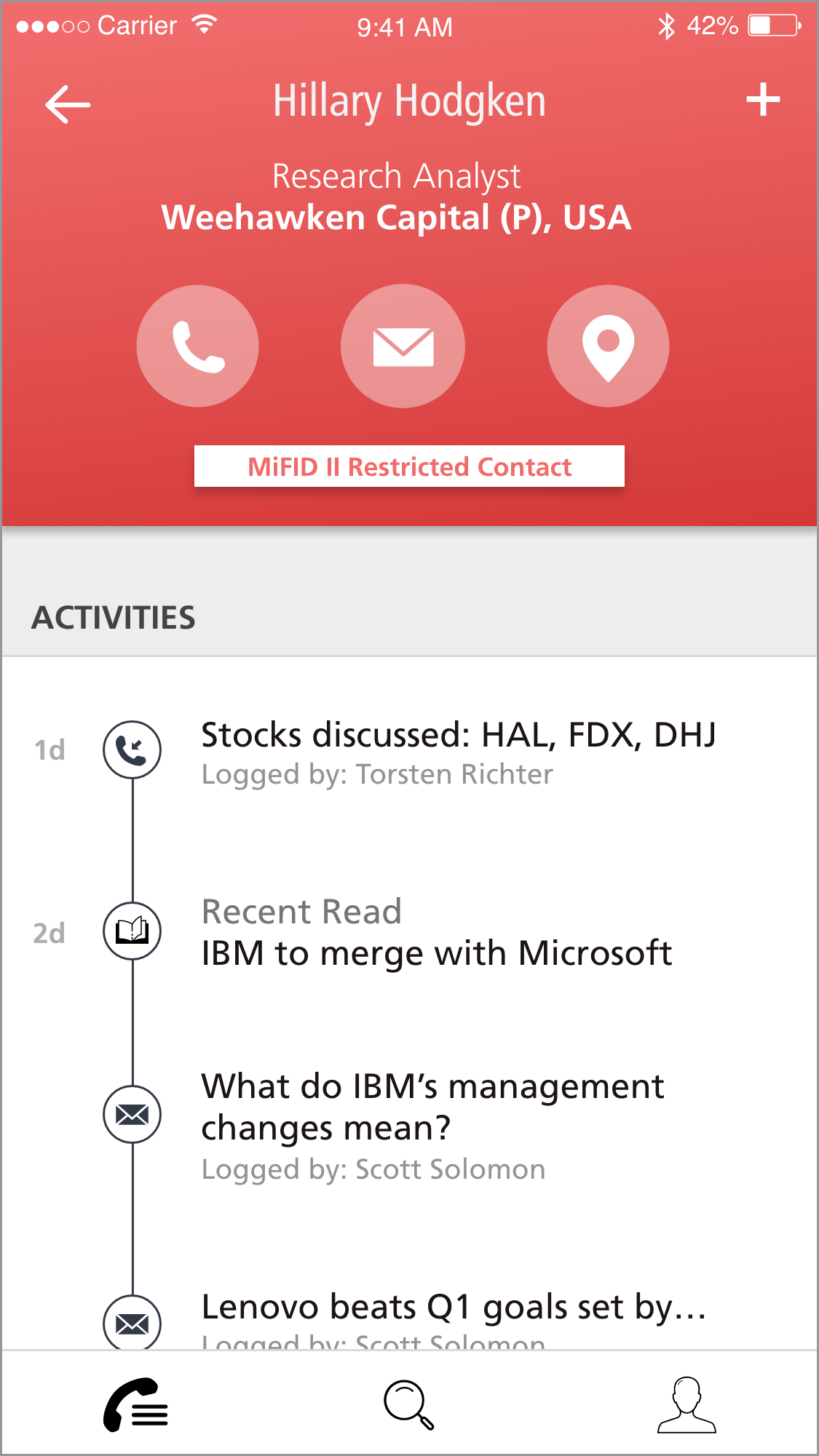
The new requirements included the app needing to show which contacts were MiFID II restricted, as well as an idea of how much revenue each contact brought into the bank. This revenue feature increased in importance due to research unbundling, as the leadership team wanted analysts to spend the majority of their time with high revenue clients.
As neither of these changes affected the inherent usability of the app, we moved forward with creating high fidelity wires and specification sheets for developers.